Playing an MMORPG on Mac: native Apple Silicon or straight from Safari
Play a 3D wuxia MMORPG on your Mac or MacBook Air without Boot Camp: a native Apple Silicon and Intel app on Metal, or instant play in Safari and Chrome.
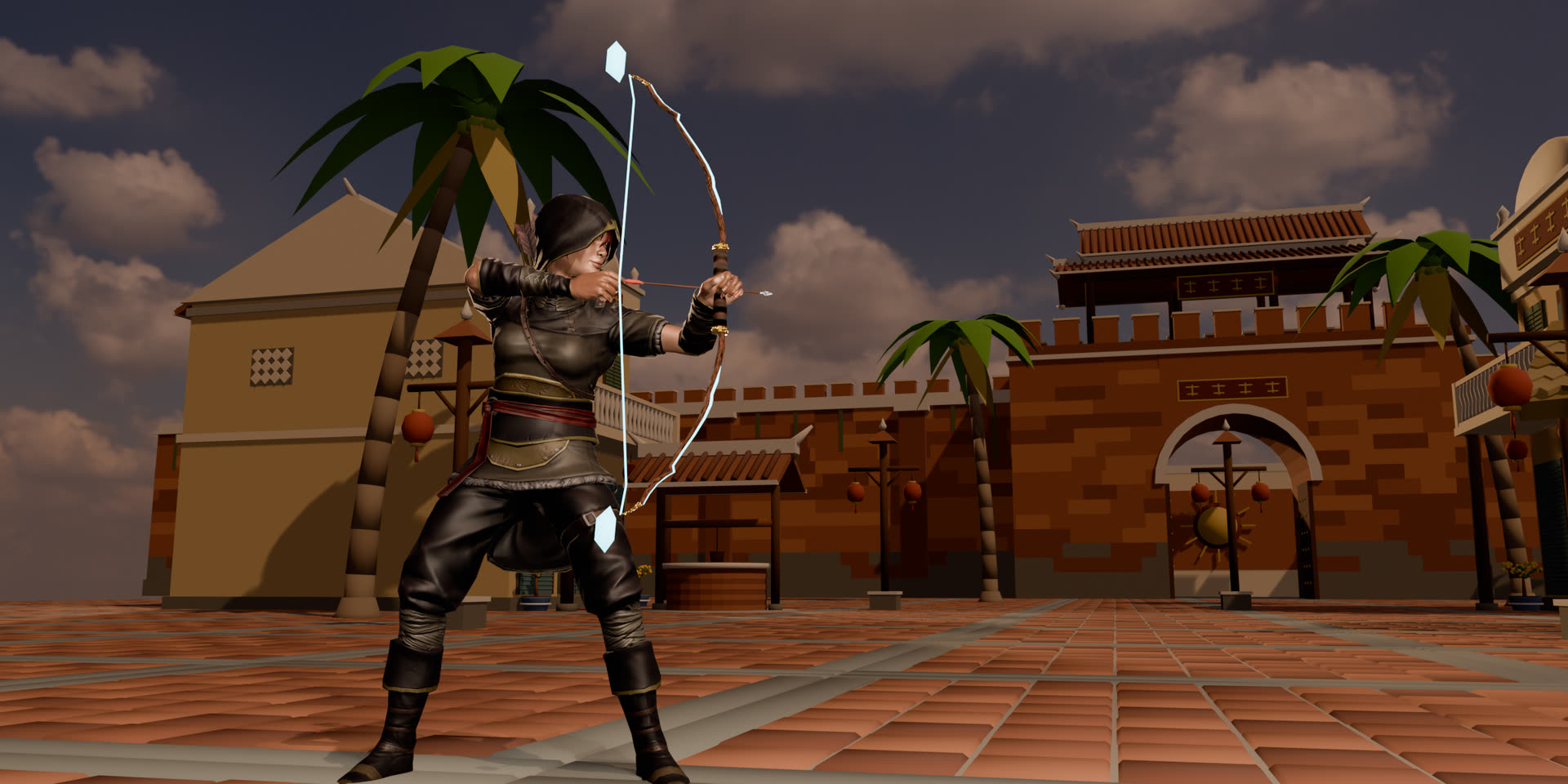
New to Pixel Pioneer 3D? Learn how to start playing in your browser, survive your first days in the Dragonbone Karst Wilds and hunt with a bow.
This guide covers everything you need for your first session of Pixel Pioneer 3D, from starting the game in your browser to your first hunt in the Dragonbone Karst Wilds.
Prefer an installed game? Download Pixel Pioneer 3D for Windows, macOS, Linux or Android. Every version connects to the same world, so you can switch devices at any time.
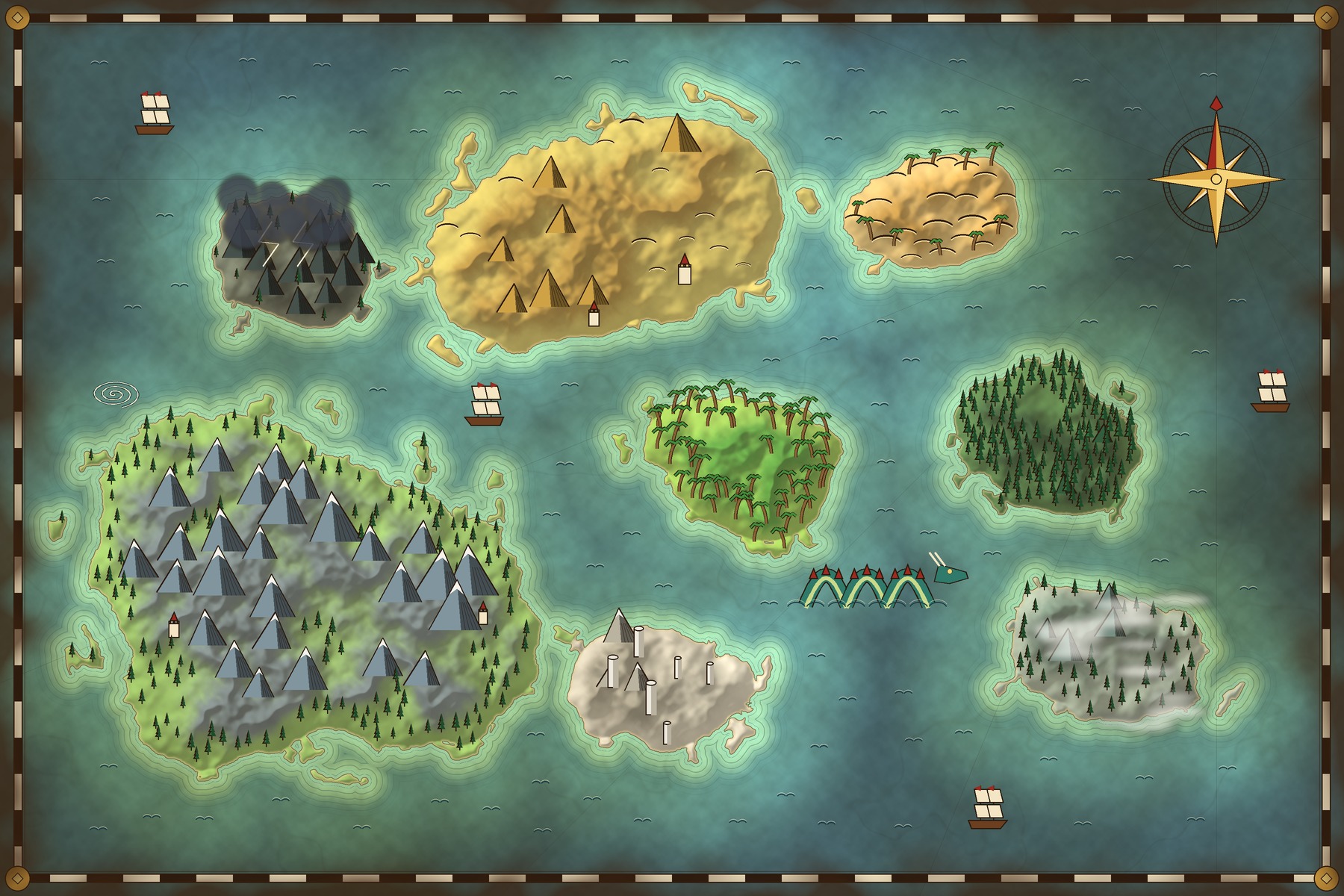
Your character has health, hunger and thirst. Weather matters too: wind and rain sweep across the islands, and cold rain is safer to wait out beside a campfire. To recover:
Wildlife comes in strength tiers, from chickens and rabbits to wild boars, cows and water buffalo. Stronger animals hit harder and drop better loot, and each region has its own mix of creatures.
Once you can stand on your own two feet, the four sects will start to take notice. Read about the Storm Campaign to see where your journey leads.
Play a 3D wuxia MMORPG on your Mac or MacBook Air without Boot Camp: a native Apple Silicon and Intel app on Metal, or instant play in Safari and Chrome.
Chromebooks cannot install most PC games, but Pixel Pioneer 3D runs in Chrome on ChromeOS. Requirements, settings and tips for smooth MMORPG play.
Questions
Update your browser and graphics drivers. If WebGPU fails, the game switches to WebGL2 automatically; you can also force it by opening pixelpioneer3d.com/?renderer=webgl.
Eat food such as meat from hunting, stay by a campfire in bad weather and sit in meditation to recover health over time.
Join the archipelago
Download Pixel Pioneer 3D free for Windows, macOS, Linux and Android. One account, one shared world on every device.